 MAXISHERE
 MafiaNarrator
Two-step login guide
Every account uses two-step login: after your password, you enter a 6-digit code from an authenticator app on your phone. This guide uses Google Authenticator, but any authenticator app works the same way, such as Microsoft Authenticator, 1Password, Authy or the Passwords app on iPhone.
Install Google Authenticator on your phone, open it and tap "Get started". You don't need a Google account: choose "Use without an account" if it asks. App Store · Google Play
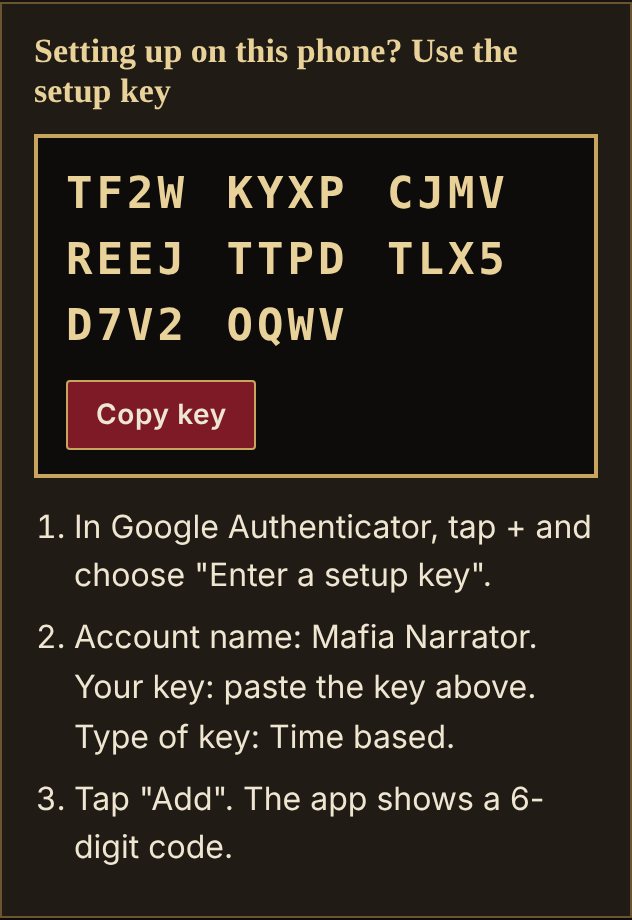
Create your Mafia Narrator account. The next page, "Set up two-step login", shows your setup key. On your phone, tap "Copy key". (On a computer, you can scan the QR code instead.)
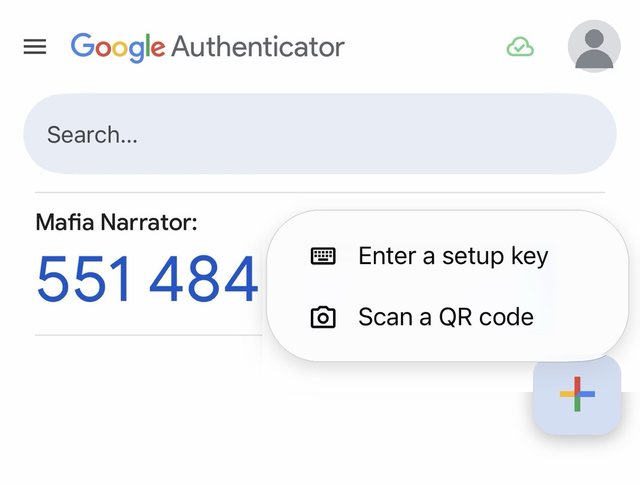
In Google Authenticator, tap + and choose "Enter a setup key" (or "Scan a QR code" if the page is on another screen).
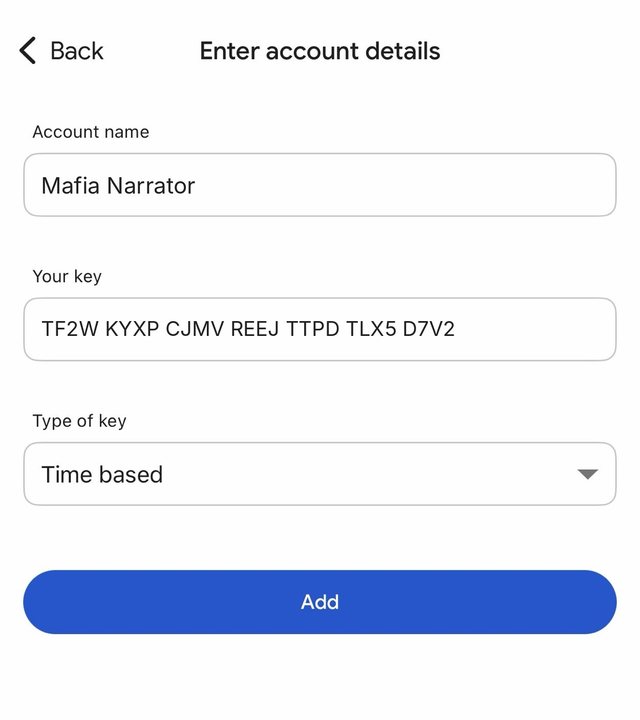
Account name: Mafia Narrator. Your key: paste the key. Type of key: Time based. Then tap "Add".
"Mafia Narrator" appears in the app with a 6-digit code that changes every 30 seconds.
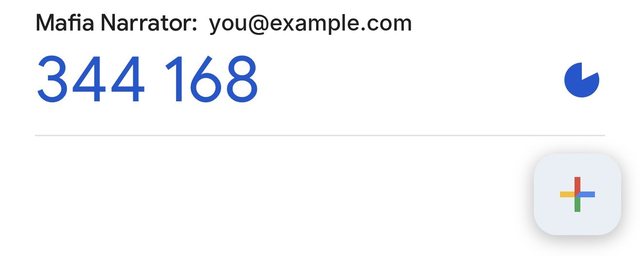
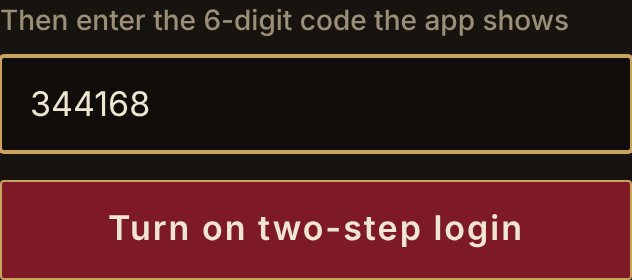
Type that code on the website and tap "Turn on two-step login". Then save your recovery codes somewhere safe: each one lets you log in once if you lose your phone.
Watch the video
Music in the video: “Fast Talkin” by Kevin MacLeod (incompetech.com), CC BY 4.0
If a code is refused, wait for the next one and check that your phone sets its date and time automatically. Google's own help